Terminal Group Configuration
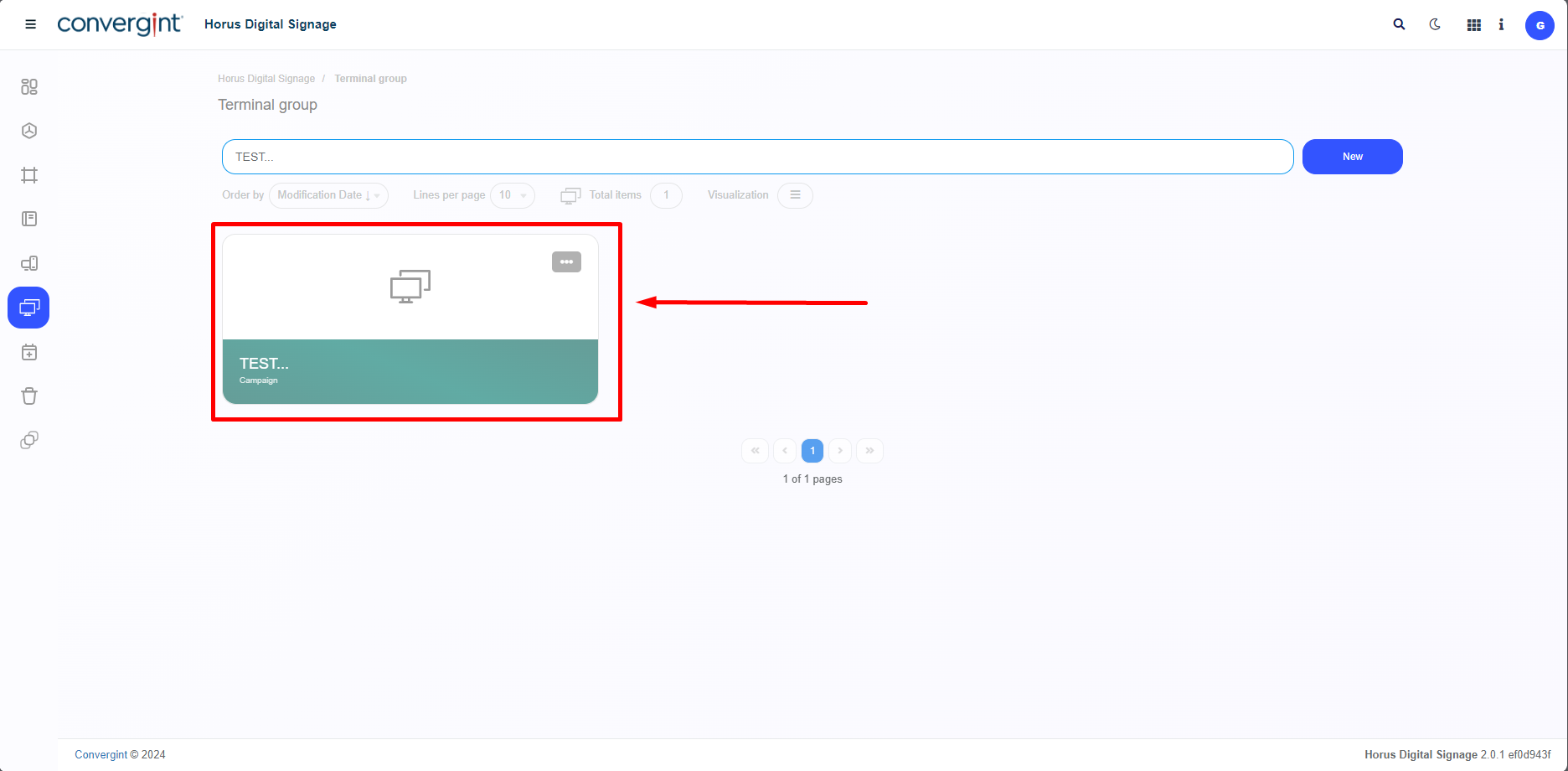
By following the previously described instructions, the Terminal Group will be successfully registered. To proceed with configuring the information for the Terminal Group, you need to access a previously created Terminal Group, which will allow you to modify the corresponding information.
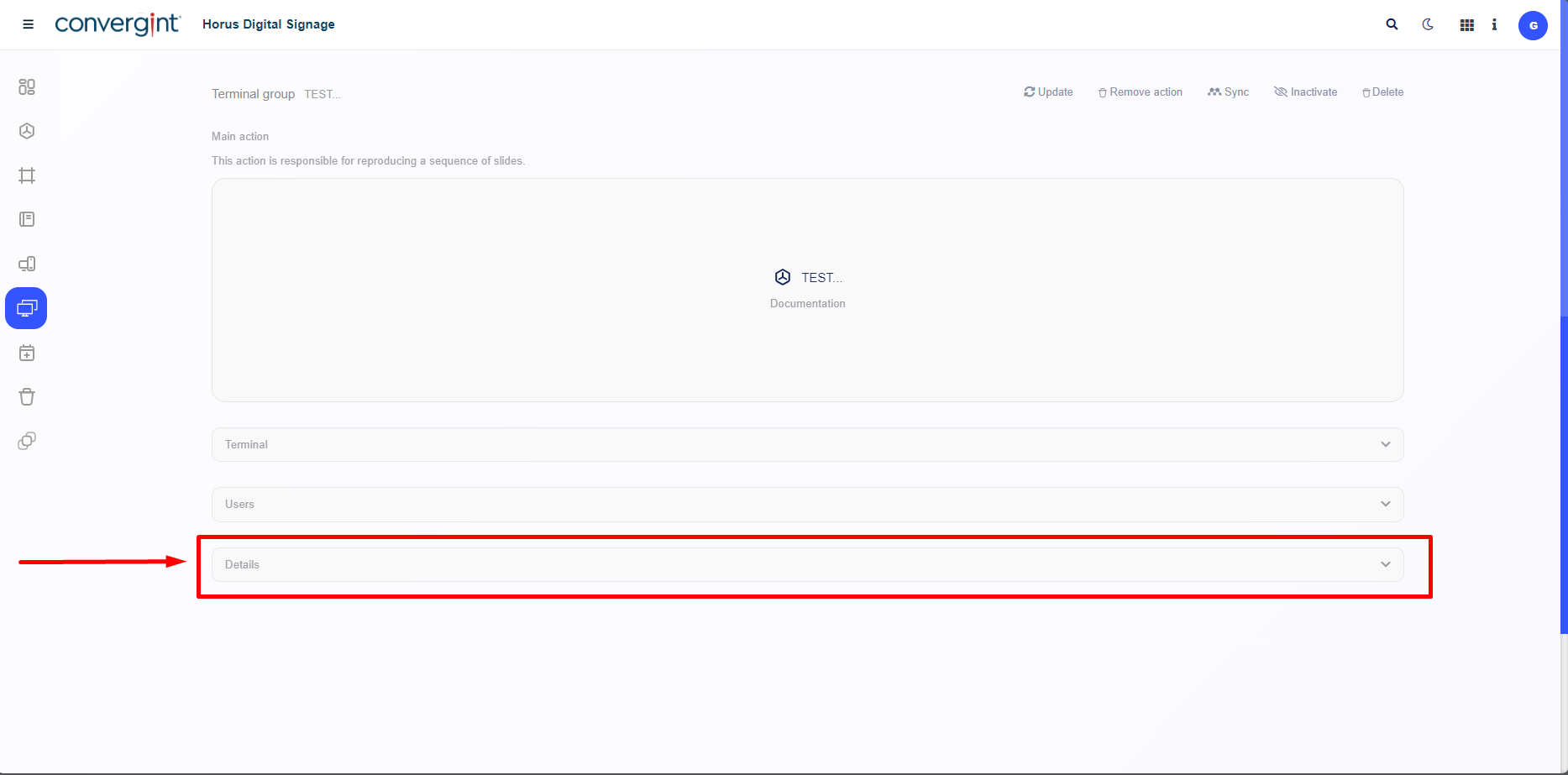
After creating or accessing a Terminal Group, the system will display the corresponding interface for the Terminal Group. In this interface, you can configure the Terminal Group through the "Details" option.
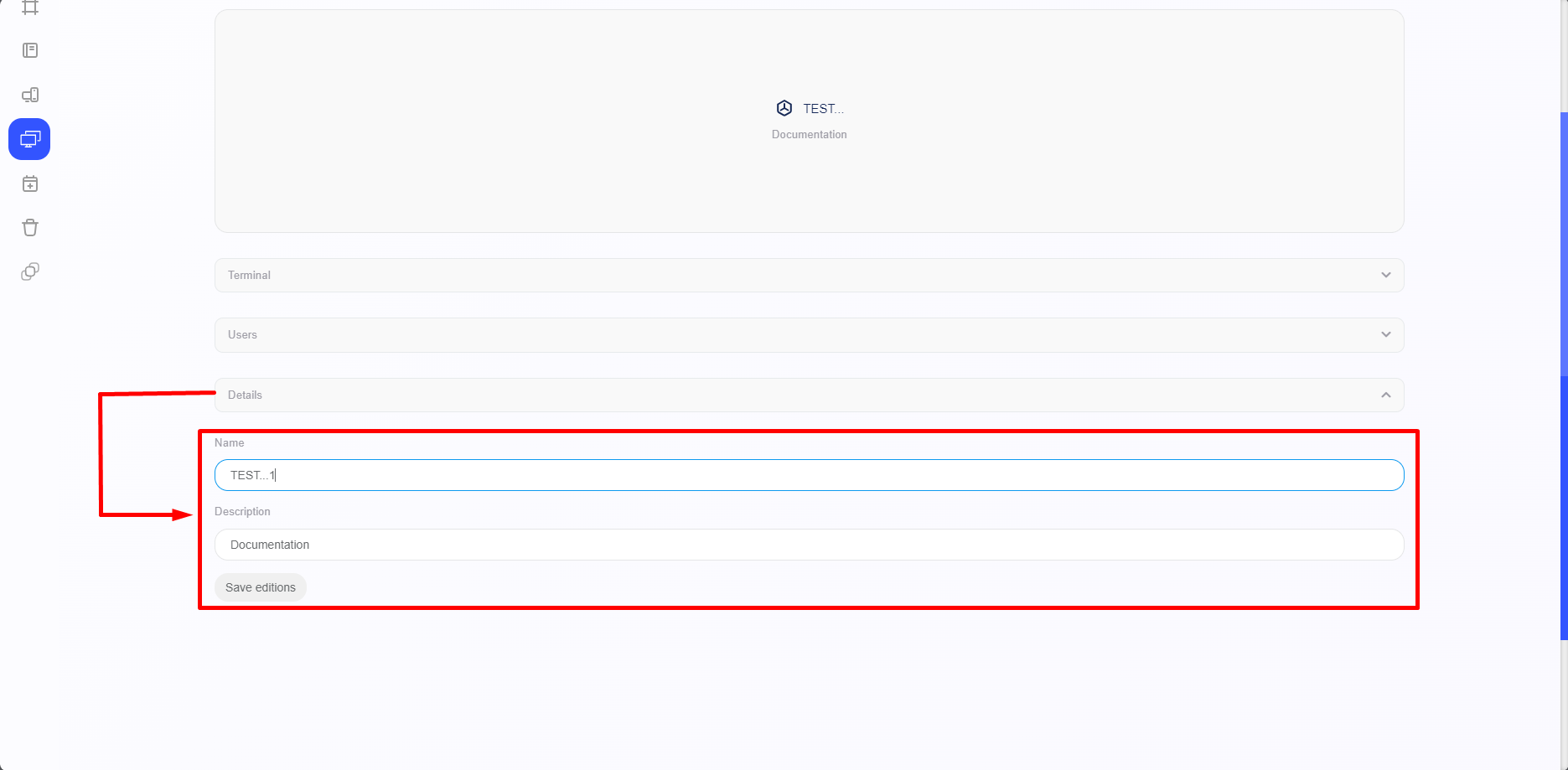
Upon accessing the "Details" option, you will find options to change the name and description.
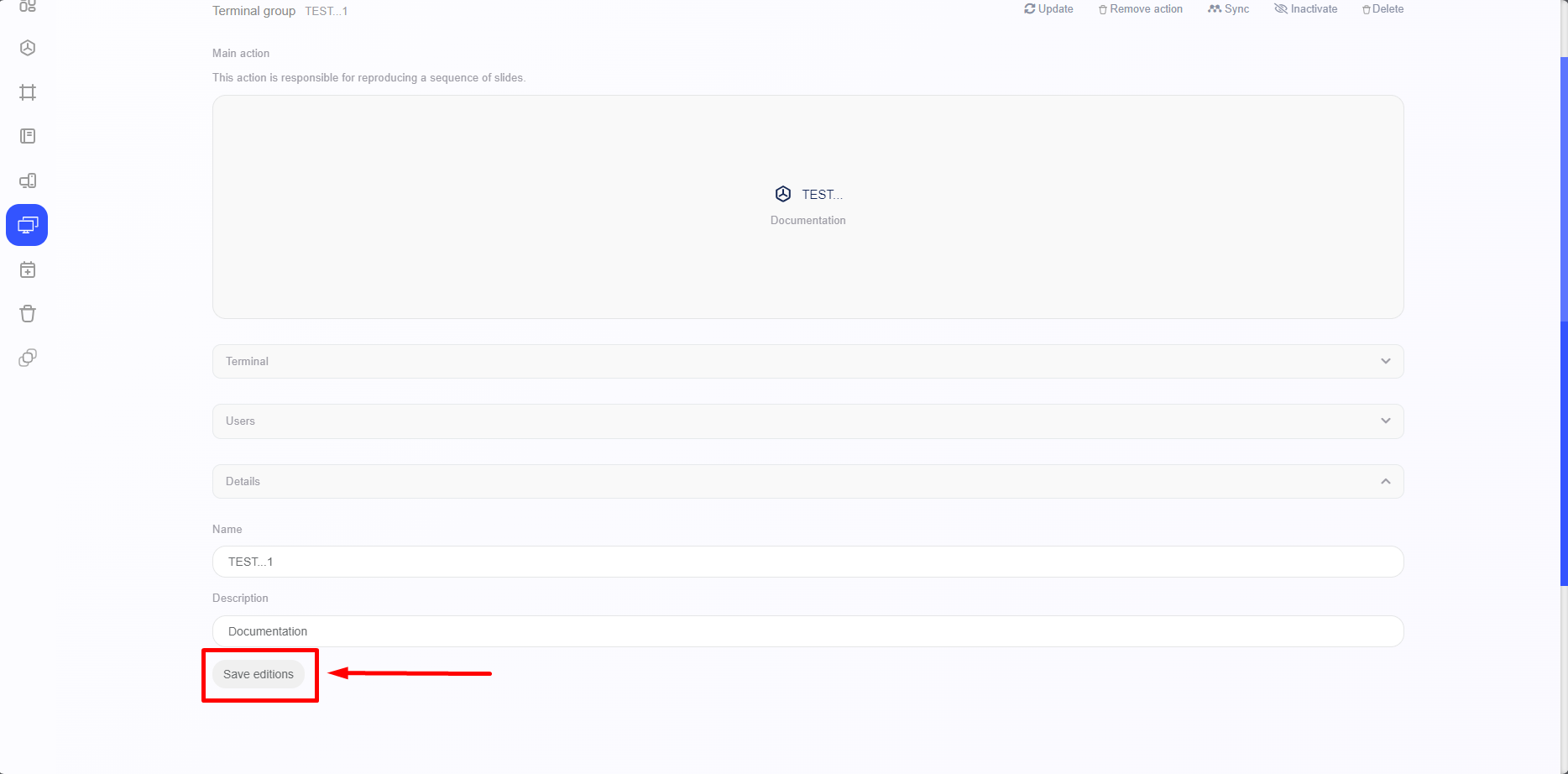
After making your preferred changes, simply click “Save editions,” highlighted, to save the changes you made earlier.